How to Buy Crypto on BingX: P2P, Card Payments, Bank Transfer & Safety Guide
Introduction
Buying crypto on BingX can mean different things. You may buy from another user through BingX P2P, purchase crypto with a debit or credit card, fund your account through a supported bank transfer, or trade crypto that you already hold.
These methods are not the same.
They can have different costs, verification rules, payment limits, processing times, and risks. The best option depends on your country, payment method, account status, and whether you want convenience, local payment access, or a lower total cost.
This guide explains how to buy crypto on BingX safely through P2P, card payments, and bank transfers. It also explains the main checks to make before you pay.
Ways to Buy Crypto on BingX
BingX can offer several ways to buy crypto. The exact options shown in your account may depend on your location and verification status.
The main routes are:
Method | Who You Buy From | Best For | Main Risk |
|---|---|---|---|
BingX P2P | Another user | Local payment methods | Payment disputes and scam attempts |
Card Purchase / Quick Buy | Payment provider | Fast fiat-to-crypto purchases | Fees, spread, card restrictions |
Bank Transfer / Fiat Deposit | Bank or payment provider | Users with supported local bank rails | Processing time and reference-code mistakes |
Spot Trading | Other exchange users | Users who already hold crypto | Price movement and trading mistakes |
Before choosing a method, compare the final amount of crypto you will receive. A service with a low visible fee may still have a wider spread or a less favourable exchange rate.
What You Need Before Buying Crypto on BingX
Before you buy crypto on BingX, check the following:
BingX is available in your country.
Your preferred payment method is supported.
You have completed any required KYC.
Your account has 2FA or another security method enabled.
You understand the difference between P2P, card purchases, and spot trading.
You know where you want to store the crypto after buying it.
You have checked the total cost, not only the visible fee.
For some services, BingX may require identity verification before you can continue. KYC can also affect your access to P2P, fiat deposits, card purchases, and withdrawal limits.
How to Buy Crypto Through BingX P2P
BingX P2P is a peer-to-peer marketplace. Instead of buying crypto directly from BingX, you buy from another user who has created an offer.
The platform helps connect buyers and sellers and can hold the crypto during the transaction. You pay the seller using a supported payment method, then the seller releases the crypto after confirming receipt.
How BingX P2P Works
A typical P2P purchase follows these steps:
Log in to your BingX account.
Open the Buy Crypto section.
Select P2P Trading.
Choose the crypto asset you want to buy.
Select your fiat currency and payment method.
Review available seller offers.
Check the seller’s order limits, completion rate, and conditions.
Enter the amount you want to buy.
Open the order.
Send payment through the listed payment method.
Mark the order as paid only after you have actually made the transfer.
Wait for the seller to confirm payment and release the crypto.
P2P can be useful when local bank transfers or payment applications are available. However, it requires more care than a normal card payment because another person is involved.
BingX P2P Safety Rules
P2P can be practical, but users should follow strict safety steps.
Pay only through the listed payment method
Do not agree to pay through a different method after opening the order.
A seller may ask you to move the conversation to Telegram, WhatsApp, email, or another app. Avoid this. Keep communication and payment evidence inside the BingX P2P process whenever possible.
Do not trust screenshots.
A screenshot of a payment confirmation does not prove that money was received.
If you are selling crypto, check your own bank account before releasing assets. If you are buying crypto, save your proof of payment and communicate through the official P2P order page if a dispute occurs.
Check the seller’s terms before paying.
Review:
Minimum and maximum order amount
Payment method
Order time limit
Seller completion rate
Payment instructions
Identity or account-name requirements
Do not open an order if you cannot complete it within the specified time.
Use a payment account in your own name
Where applicable, your bank account or payment account should match your BingX KYC name.
Using another person’s account can create payment disputes, compliance checks, or cancellation issues.
Do not accept off-platform deals.
A seller may offer a better exchange rate if you send money outside the P2P order.
This is a major risk. Once you move outside the official process, you may lose the evidence and dispute tools available inside the platform.
How to Buy Crypto on BingX With a Card
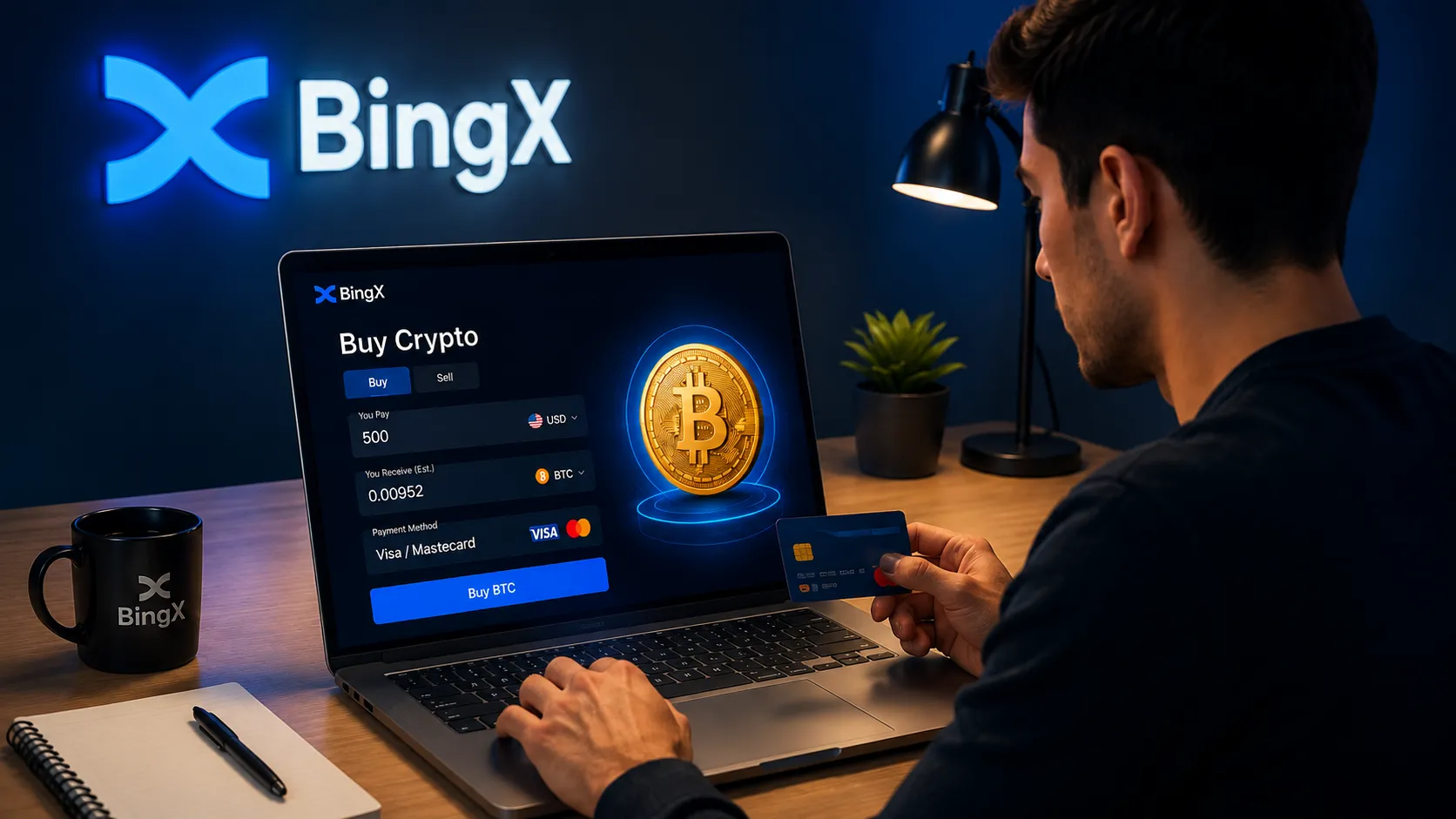
BingX may offer Quick Buy or card-purchase options through supported providers.
Depending on your region, available options can include debit cards, credit cards, and selected mobile-payment services. The currencies, payment methods, providers, limits, and fees can vary.
The general process is usually:
Log in to the BingX official website or app.
Open the Buy Crypto or Quick Buy section.
Choose the fiat currency you want to spend.
Select the crypto asset you want to receive.
Enter the purchase amount.
Choose a card or payment provider.
Review the exchange rate, fee, and final crypto amount.
Complete KYC or card verification if requested.
Confirm the purchase.
Wait for the crypto to arrive in your BingX account.
For many users, the simplest first purchase is USDT. After receiving USDT, they can use the BingX spot market to exchange it for BTC, ETH, SOL, or another supported asset.
However, convenience does not always mean lower cost. Card purchases can include provider fees, currency-conversion costs, and spread.
Card Purchase Safety Checks
Before paying by card, make sure that:
You are using the BingX official website or official app.
The payment page is secure.
The card belongs to you.
Your name matches the details required by the payment provider.
You understand the final exchange rate.
You have reviewed the final crypto amount.
You are not using a card that could trigger fraud restrictions.
You have checked whether your bank allows crypto-related payments.
Do not enter card details through a link sent by social media, a fake support account, or an unofficial Telegram group.
How to Buy Crypto on BingX With a Bank Transfer
Bank transfer options may be available through BingX Fiat Deposit or supported regional payment rails.
The exact process can vary by currency and country. For example, some users may see SEPA or SEPA Instant for EUR transfers, while other regions may have different banking methods.
A typical bank-transfer process looks like this:
Open Buy Crypto or Fiat Deposit in BingX.
Select the supported fiat currency.
Choose bank transfer as the payment method.
Review the bank-account details provided by BingX or the payment provider.
Check the reference code, if one is required.
Enter the transfer amount.
Send the money from a bank account in your own name.
Wait for the deposit to be processed.
Use the fiat balance or purchased crypto according to the available BingX flow.
Bank transfers can be useful for users who want to avoid card limits or who prefer to use a local banking method. But they can take longer than card purchases.
Bank Transfer Safety Checks
Before sending a bank transfer, check:
The bank account details are shown inside the official BingX flow.
The beneficiary name and reference code are correct.
Your bank account name matches your BingX KYC name.
The transfer amount meets the minimum requirement.
You understand whether fees may be deducted by your bank.
You have checked processing times for your region.
You are not sending from a joint account if the payment instructions require an individual account.
A missing or incorrect reference code can delay the deposit because it may prevent the system from matching the payment to your BingX account.
P2P vs Card Payment vs Bank Transfer
Each buying route has advantages and limitations.
BingX P2P
P2P may be useful when local payment methods are important or when card purchases are unavailable.
However, it requires more attention because another user is involved. You need to review the seller’s terms, make payment correctly, and follow the official order process.
Card Payment
Card purchases are usually the most direct option for users who want crypto quickly.
The trade-off is that provider fees and spread can make card purchases more expensive than other methods.
Bank Transfer
Bank transfers may be useful for larger fiat deposits or users who want to avoid card processing limits.
The trade-off is that processing may take longer, and correct account details or reference codes are essential.
Spot Trading After Funding
Spot trading is suitable for users who already hold crypto or have completed a fiat purchase.
For example, you may buy USDT first, then exchange USDT for BTC or ETH through the spot market.
This method gives you more control over the trading pair, but you should understand market orders, limit orders, liquidity, and price movement before trading. You can also explore BingX copy trading if you prefer following other traders instead of managing every trade yourself.
KYC Requirements Before Buying Crypto
KYC can be important when buying crypto on BingX.
Depending on your country and the service you choose, identity verification may be required for:
Card purchases
Fiat deposits
Bank transfers
P2P trading
Higher transaction limits
Account recovery
Security reviews
Do not wait until you need to make a large purchase to discover that your account needs verification.
Complete KYC before funding your account if you expect to use P2P, card payments, fiat deposits, or larger withdrawal limits.
T+1 Restrictions After Buying Crypto
BingX may apply a T+1 restriction to certain crypto purchased through fiat-related services.
T+1 generally means that assets of an equivalent value may be restricted from certain actions for around one day after the purchase. Depending on the service and region, this can affect actions such as withdrawals, P2P selling, internal transfers, or crypto-gift functions.
The purpose is generally risk management and fraud prevention.
This does not always mean you cannot use the funds at all. In some cases, trading features such as spot or futures may still be available while the withdrawal restriction is active.
Rules, exceptions, and affected countries can change. Always review the notice shown before confirming a P2P, card, or fiat purchase.
What to Do After Buying Crypto on BingX
After you buy crypto, do not rush into another transaction.
First, confirm:
The asset has arrived in the correct account.
The amount matches the final quote.
Any withdrawal restriction is visible.
You understand whether the balance is in a funding, spot, or other account.
You know whether you want to hold, trade, or withdraw the asset.
If you plan to move crypto to another wallet or exchange, check the correct asset, network, address, memo/tag, withdrawal fee, and minimum amount first.
Common Problems When Buying Crypto on BingX
Card payment declined
A card purchase can fail because of bank restrictions, insufficient balance, failed 3D Secure verification, unsupported currency, or a card-provider risk check.
Try checking with your bank before repeating the transaction several times.
P2P payment dispute
A dispute can happen if the seller does not see your payment, your payment account name does not match, or the order terms were not followed.
Keep proof of payment and use the official dispute process.
Bank transfer not credited.
A bank transfer may be delayed because of a missing reference code, incorrect beneficiary information, bank processing times, a payment from an unsupported account type, or a transfer below the minimum amount.
Purchase quote changed
Crypto prices can move quickly. The amount shown in an early quote may change before you confirm payment.
Review the final amount of crypto you will receive before completing the order.
KYC not completed
A purchase may be delayed or unavailable until you complete verification.
Do not submit false information to bypass KYC. This can create larger account problems later.
Buying Crypto on BingX: Safety Checklist
Before every purchase, use this checklist:
Confirm BingX is available in your country.
Use the official website or official app.
Enable 2FA or passkeys.
Complete the required KYC level.
Compare P2P, card, and bank-transfer options.
Check the final crypto amount, not only the fee.
Review the seller’s P2P terms and completion rate.
Do not send money outside an official P2P order.
Confirm the payment account name is correct.
Check whether T+1 restrictions may apply.
Start with a small purchase if you are new to the platform.
Review withdrawal requirements before moving assets off BingX.
Conclusion
BingX gives users several ways to buy crypto, including P2P, card purchases, bank transfers, and spot trading after funding an account.
The best method depends on what matters most to you. P2P can offer local payment flexibility. Card payments can be faster. Bank transfers can work well for supported fiat routes. Spot trading can be useful after you already hold crypto.
The most important thing is not to rush. Check KYC requirements, payment limits, fees, exchange rates, withdrawal restrictions, and the final crypto amount before confirming the purchase.
This article is for educational purposes only. It is not financial advice and is not a recommendation to buy, sell, or hold any cryptocurrency.